
Zebra 105SL User Guide is a user manual for Zebra Technologies product 105SL, which introduces the product's features and characteristics, including operating and maintenance methods.
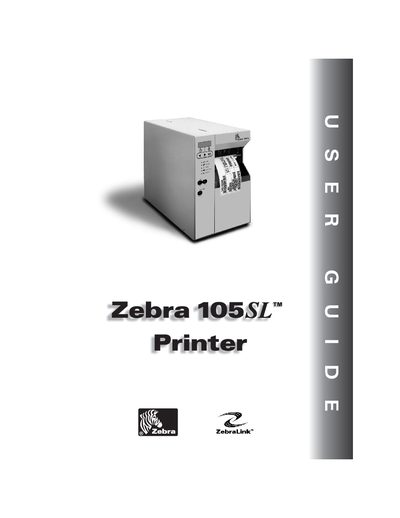
This guide walks users through unpacking, inspecting, and installing the Zebra 105 SL label printer, including media and ribbon loading, calibration, and configuration of printer settings and drivers. Detailed sections cover printer anatomy, front‑panel controls, and communication interfaces.
Later chapters describe routine care, cleaning, fuse replacement, troubleshooting, and warranty information, with appendices for connector pinouts, PCMCIA card installation, and programming language (ZPL II) details.
| Printhead resolution | 300 dpi (12 dots/mm) |
|---|---|
| Power input | 90–264 VAC, 48–62 Hz |
| Power consumption (printing) | 180 W |
| Power consumption (idle) | 19 W |
| Dimensions (H × W × D) | 15.5 in × 11.2 in × 18.9 in |
| Weight | 55 lb (25 kg) |
| Operating temperature (thermal transfer) | 40 °F to 104 °F (5 °C to 40 °C) |
| Storage temperature | -40 °F to 140 °F (-40 °C to 60 °C) |
The guide includes a step‑by‑step calibration procedure in the "Calibrating the Printer" section.
The printhead provides a resolution of 300 dpi (12 dots per mm).