
This manual introduces how to use CASIO watch 3150, including charging and using the battery, the function of the display, and the switching of the modes
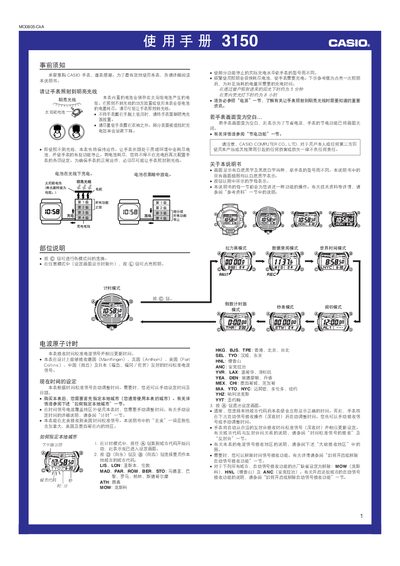
The Casio 3150MO0805‑CkA is a solar‑charged watch that stores energy in an internal rechargeable battery. To keep the watch operating, expose the watch face to bright light; charging times vary from about 5 minutes in direct sunlight to up to 8 hours under indoor fluorescent lighting.
The watch can receive atomic time‑calibration signals automatically or manually, supports multiple world‑time cities, and offers several functional modes such as stopwatch, countdown timer, rally‑race timing, and up to five independent alarms. Battery level is shown with a five‑step indicator, and the device can store up to 30 timing records. This manual is written in Chinese.
| Battery type | Solar cell with internal rechargeable battery |
|---|---|
| Charging time in direct sunlight | ~5 minutes |
| Charging time under indoor fluorescent light | ~8 hours |
| Stopwatch display limit | 23 h 59 min 59.99 s |
| Maximum target time for countdown | 24 hours |
| Memory capacity | 30 timing records |
| Battery level indicator steps | 5 levels (1‑5) |
Expose the watch face to bright light; the solar cell stores energy in the internal battery. Charging takes about 5 minutes in direct sunlight or up to 8 hours under indoor fluorescent lighting.
You can use automatic reception (up to six times per day) or manual reception. Place the watch so the 12 o’clock side faces a window, avoid metal objects, and perform the reception at night for best results.
Enter alarm mode by pressing the C button, select the desired alarm with the D button, then press and hold A to flash the hour field and adjust using D/B. Confirm with A.
The indicator shows the strength of the received calibration signal. A level‑3 (high) indicator appears only when both time and date data have been successfully received.