
This is a user manual for the Casio EX-Z4 digital camera. This manual introduces the camera's unpacking, basic precautions, shooting, playback, etc. usage methods.
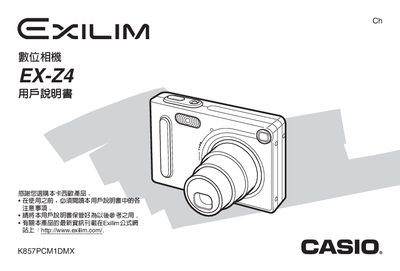
This manual covers everything needed to operate the Casio EX‑Z4 digital camera, including box contents, basic shooting and playback functions, menu settings, album creation, and USB connection procedures. It also contains safety notices, warranty information, and troubleshooting tips.
Technical specifications are listed in the final sections, detailing the rechargeable NP‑20 battery, power requirements, dimensions, weight, and other key parameters for both the camera and its optional USB dock. This manual is written in Chinese.
| Battery type | NP-20 rechargeable lithium‑ion |
|---|---|
| Battery voltage | 3.7 V |
| Battery capacity | 680 mAh |
| Operating temperature | 0 °C to 40 °C |
| Camera dimensions (W×H×D) | 73 mm × 50 mm × 47 mm (excluding protrusions) |
| Camera weight | ≈ 16 g |
| Power consumption | 3.2 W (5.3 V DC) |
| USB dock dimensions (W×H×D) | 106 mm × 42 mm × 59.5 mm |
| USB dock weight | ≈ 638 g |
| Power adapter output | 5.3 V DC, 650 mA |
Use the dedicated NP‑20 rechargeable lithium‑ion battery and the supplied AC adapter; other battery types must not be used.
Connect the camera to a computer via the USB dock (model CA‑21A) and follow the USB connection instructions provided in the manual.
The camera measures 73 mm × 50 mm × 47 mm, not counting protruding parts.
The built‑in rechargeable battery has a capacity of 680 mAh.