
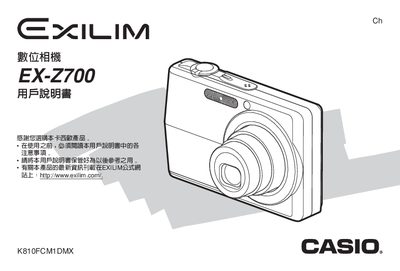
This manual covers everything you need to start using the Casio EX-Z700 digital camera, from unboxing and charging the battery to configuring language settings and selecting shooting modes. Detailed instructions guide you through basic operation, playback, editing, and connecting the camera to a computer via USB.
Additional sections explain advanced features such as the self‑timer, best‑shot mode, and image correction tools, as well as important safety notices, warranty disclaimer, and troubleshooting tips for common issues. This manual is written in Japanese.
| AC Power Input | 100‑240V AC 50/60Hz, 90mA |
|---|---|
| DC Power Input | 3.3V, 630mA |
| Weight | ≈76 g |
| Dimensions | 63 × 20 × 50 mm |
First, charge the battery before using the camera.
Select the language option in the camera’s menu to configure the display language.
Use the USB port and adjust the USB protocol settings as described in the manual.