
This is a user manual for the Casio QV-R3/QV-R4 digital camera, which introduces the camera's features, usage methods, precautions, etc.
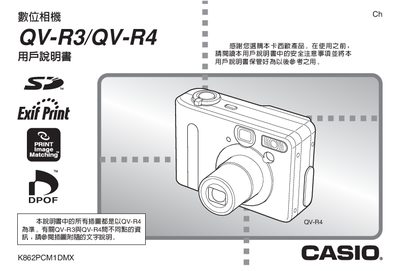
This manual covers everything needed to operate the Casio QV-R3 and QV-R4 digital cameras, from safety precautions and unpacking to advanced shooting modes. It includes step‑by‑step guidance for power management, battery charging, and configuring the built‑in clock and world‑time settings.
Additional sections describe image capture options such as auto‑focus, manual focus, white‑balance, and special shooting functions like Coupling Shot, Pre‑shot, and night‑scene mode. The guide also explains memory card usage, CD‑ROM software installation, and how to view, print, or transfer photos via USB.
| Effective Pixels | QV‑R3: 3.2 MP (320 万像素) – QV‑R4: 4.0 MP (400 万像素) |
|---|---|
| Dimensions (W×H×D) | 90.0 mm × 39.0 mm × 31.0 mm (excluding protrusions) |
| Weight | ≈200 g (without battery and accessories) |
| Power Supply | 100‑240 V AC, 0.2 A, 50/60 Hz (adapter AC‑C40) |
| USB Interface | Standard USB port for file transfer |
Use the dedicated NP‑30 lithium‑ion rechargeable battery together with the BC‑20 charger supplied with the camera.
QV‑R3 provides about 120 minutes (720 shots) and QV‑R4 about 110 minutes (660 shots) of continuous shooting.
Yes, the camera can capture images without a memory card, but using an SD or MMC card is recommended for storage.