
This document is the user manual for the CK digital camera QV-R61, which describes the features of the product and provides important information.
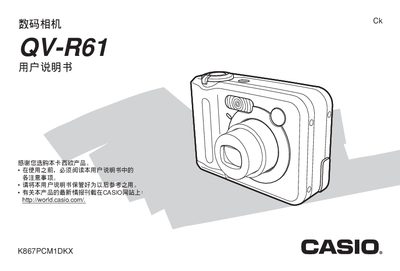
This manual is for the Casio QV-R61 digital camera. It covers basic operation, shooting, playback, recording settings, memory cards, printing, computer connection, album functions, and software installation.
The supplied text also includes indicator references, troubleshooting guidance, and technical specifications for the camera, battery, and charger. This manual is written in Chinese.
| Power consumption | DC 3V, 3.7W |
|---|---|
| Dimensions | 88.3 x 60.4 x 33.4 mm (excluding protrusions) |
| Weight | approx. 165 g (excluding battery and accessories) |
| Battery | Rechargeable HR-3U, 1.2 V, 2100 mAh |
| Battery operating temperature | 0 to 40 C |
| Battery dimensions | 14.33 mm diameter x 30.4 mm |
| Battery weight | approx. 29.0 g |
| Charger output | 1.2 V DC, 330 mA |
| Charger charging time | approx. 4 hours |
| Charger dimensions | 71 x 73 x 28 mm (excluding protrusions) |
| Charger weight | approx. 73 g |
| LCD panel | Pixel qualification rate near 99.99% |
| LCD defective pixels | 0.01% or less |
The camera uses the rechargeable HR-3U battery, and the manual states to use only the specified HR-3U battery.
The camera measures 88.3 x 60.4 x 33.4 mm and weighs about 165 g without the battery and accessories.
The date and time settings are cleared and must be set again.
No; defective pixels of 0.01% or less are within the stated LCD panel specification.