
This manual introduces the use of CASIO EX-Z700 digital camera, mainly including unboxing, features, precautions, introductory guide, preliminary preparations, basic image shooting, other shooting functions, REC mode camera settings and other content.
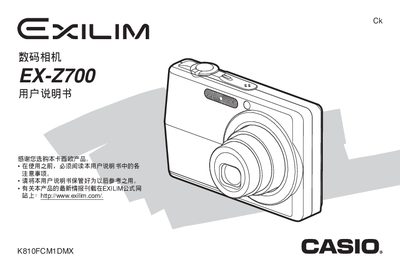
This manual guides users through the basic operation of the Casio EX-Z700 digital camera, including battery charging, language and clock configuration, and essential shooting functions such as zoom, flash, and self‑timer. It also covers advanced features like BEST SHOT mode, animation recording, and file management.
Additional sections explain how to connect the camera to Windows or Macintosh computers, transfer images, use PictBridge or USB direct‑print, and resolve common issues with a troubleshooting guide. Technical specifications and safety notices are provided in the appendix.
First, charge the battery as described in the battery charging section.
Use the display language and clock setting menu to configure both items.
Follow the instructions in the Windows computer connection section to transfer images.
The troubleshooting guide is located in the appendix of the manual.