
This document describes how to configure the Netgear WNDR3300 router as an access point, so that it can be used with other routers or modems that have routing functionality.
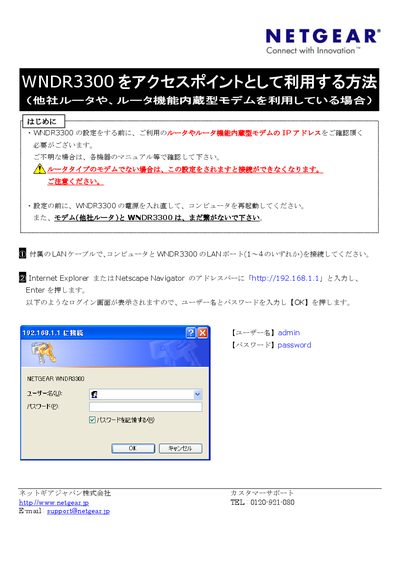
This manual explains how to configure the Netgear WNDR3300 as an access point. It starts with basic preparation steps, such as powering the device, connecting a computer via the supplied LAN cable, and accessing the web interface at the default IP address.
The guide then details the reset process, LAN setup, IP address changes, and verification of both wired and wireless connections. It also provides troubleshooting notes for cases where the login screen does not appear or the IP address must be manually adjusted. This manual is written in Japanese.
| Default IP address | 192.168.1.1 |
|---|---|
| Default username | admin |
| Default password | password |
Power off the device, disconnect all cables except the power cord, press and hold the reset button on the back for about 10 seconds, then power the unit back on.
Enter http://192.168.1.1 in a web browser to reach the login screen.
Username: admin, Password: password.