
This document is the user manual for the N150 Wireless ADSL2+ Modem Router DGN1000 from NETGEAR. The manual describes the features and characteristics of the product.
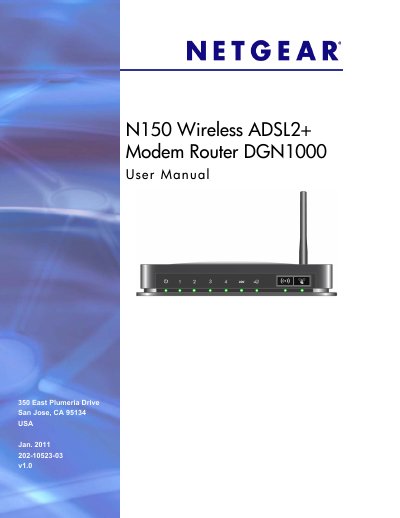
This manual guides you through hardware setup, including unpacking, connecting power, DSL microfilters, and Ethernet cables, and explains the front and back panel indicators. It also covers router internet setup, wireless configuration, security options, and advanced features such as static routing and remote management.
Additional sections detail network maintenance tasks like firmware upgrades, backup and restore of configuration files, and troubleshooting common issues such as no internet connection or LED status problems. Technical specifications and compliance information are provided in the appendix.
| Network Protocols | TCP/IP, RIP-1, RIP-2, DHCP, PPPoE/PPPoA, RFC 1483, Bridged or Routed Ethernet, RFC 1577 |
|---|---|
| Power Adapter Input | North America 120V 60 Hz, UK/Australia 240V 50 Hz, Europe 230V 50 Hz |
| Physical Dimensions | 6.80 in × 5.03 in × 1.28 in (172.7 mm × 127.7 mm × 32.5 mm) |
| Weight | 0.61 lb (0.275 kg) |
| Operating Temperature | 0 °C to 40 °C (32 °F to 104 °F) |
| LAN Interface | 10BASE‑T or 100BASE‑TX, RJ‑45 |
| WAN Interface | DSL, Dual RJ‑11, pins 2 and 3, T1.413, G.DMT |
Press and hold the Restore Factory Settings button on the bottom of the unit for 6 seconds; the LED blinks red three times then turns green as the router resets.
The router provides four Ethernet RJ‑45 LAN ports for connecting local devices.
The router uses a 12 V AC output at 1.0 A and accepts input voltages of 120 V 60 Hz (North America), 240 V 50 Hz (UK/Australia), or 230 V 50 Hz (Europe).