
NETGEAR Wireless Router Setup Manual, provides basic guidance on using the product, including updating the router firmware, setting up basic wireless connectivity and security configuration
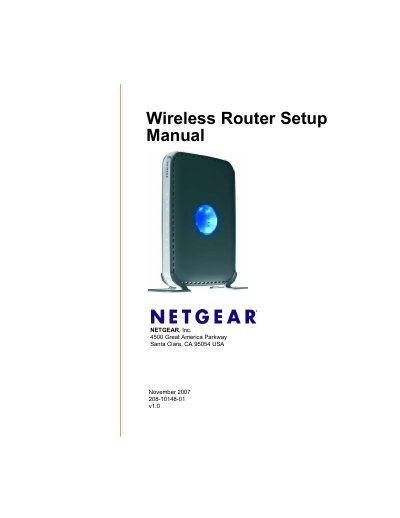
This guide walks you through everything you need to get your NETGEAR RangeMax Dual Band Wireless‑N Router (model WNDR3300) up and running. It covers unpacking, hardware overview, two setup methods (Smart Wizard and manual), firmware updates, basic wireless configuration, security settings, and troubleshooting.
The manual also lists the router’s physical dimensions, environmental limits, interface specifications, and regulatory compliance information, helping you verify that the device meets your network requirements.
| Dimensions | 28 x 175 x 119 mm |
|---|---|
| Weight | 0.5 kg |
| Operating temperature | 0 °C to 40 °C |
| LAN ports | 10/100 Mbps Ethernet (RJ‑45) |
| WAN port | 10/100 Mbps Ethernet (RJ‑45) |
| Wireless standards | IEEE 802.11b/g/n (2.4 GHz & 5 GHz) |
Press the Restore factory settings button on the back panel of the router.