
This document is the setup manual for the NETGEAR WNDR3300 wireless router
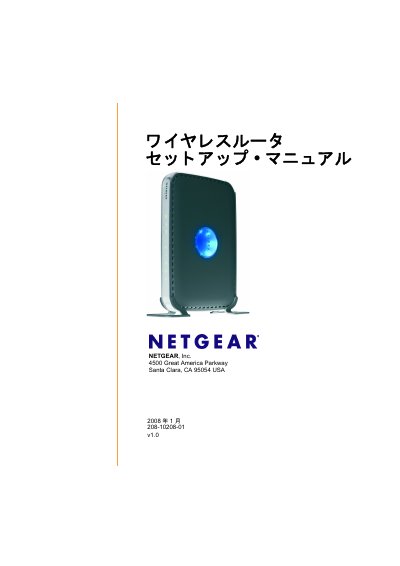
This manual provides a complete overview of the Netgear WNDR3300 wireless router, including the contents of the package, hardware layout, status LEDs, and antenna indicators. It explains how to unpack the device, connect power and Ethernet cables, and prepare the router for installation.
Step‑by‑step instructions cover both the Smart Wizard assisted setup and the manual configuration method, firmware updates, default login credentials, wireless security settings, and troubleshooting tips such as using the Ping utility and resetting the router to factory defaults. This manual is written in Japanese.
| Dimensions | 28 x 175 x 119 mm (1.1 x 6.89 x 4.68 in.) |
|---|---|
| Weight | 0.5 kg (1.2 lb) |
| Operating Temperature | 0 °C to 40 °C (32 °F to 104 °F) |
| LAN Ports | 4 × 10/100 Mbps RJ‑45 |
| WAN Port | 1 × 10/100 Mbps RJ‑45 |
Press the reset button on the back of the router for about 20 seconds until the power LED starts blinking, then release the button and wait for the router to restart.