
This document is WNDA3100 installation guide, which introduces how to install the product
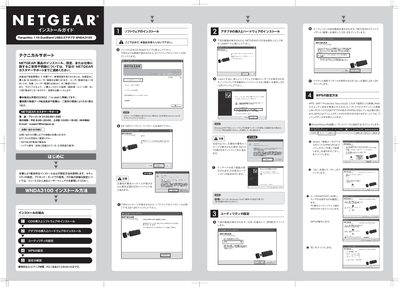
This guide walks you through installing the Netgear WNDA3100 USB wireless adapter. It starts with inserting the CD, running the SmartWizard utility, and selecting the appropriate language and region settings. The wizard then assists with driver installation and optional automatic configuration of your wireless network.
The document also explains how to use WPS (Wi‑Fi Protected Setup) with a router, how to manually enter security keys, and provides troubleshooting steps for common issues such as an unrecognized adapter or connection failures. This manual is written in Japanese.
| Adapter type | Dual‑Band USB 2.0 |
|---|---|
| Wireless standard | IEEE 802.11n draft compliant |