
This document is the installation manual for InfraStruXure® Central AP9465 AP9470 AP9475, providing an overview of the product, inventory, safety precautions, and installation steps.
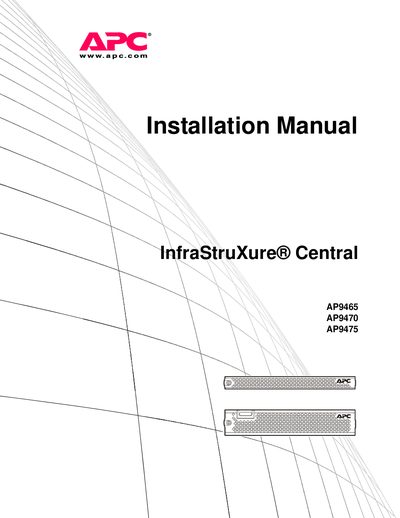
The APC InfraStruXure™ Central server is a 1U or 2U rack‑mountable management device that monitors APC devices, NetBotz appliances and other SNMP‑enabled equipment. It is offered in Basic, Standard and Enterprise models and ships with RapidRails rack‑mount rails and power cords.
This manual provides safety warnings, step‑by‑step rack‑mounting procedures, power‑connection guidance, network configuration, diagnostic information, warranty details and contact information for APC customer support.
| Rack space (Basic/Standard) | 1 U (44 mm / 1.75 in) |
|---|---|
| Rack space (Enterprise) | 2 U (88 mm / 3.5 in) |
| Battery type | Non‑replaceable lithium coin cell |
| Maximum ambient temperature (enclosure) | 35 °C (95 °F) |
| Power cords supplied | NEMA 5‑15P to IEC‑320‑C13 and IEC‑320‑C13 to IEC‑320‑C14 |
It contains a non‑replaceable lithium coin cell battery.
The enclosure temperature must not exceed 35 °C (95 °F).