
This document is a user manual for Master Switch 230V, providing information about its configuration, control, and management functions.
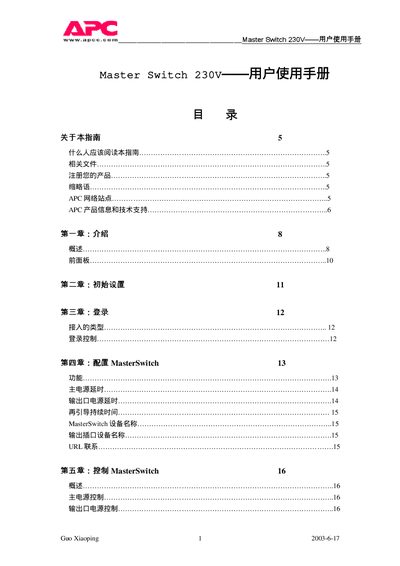
This guide provides step‑by‑step instructions for installing and configuring the APC Master Switch 230V power distribution unit. It covers initial setup, login, and detailed configuration of outlets, timing, and protection features.
The manual also describes remote management options such as embedded web control, SNMP, Telnet and the built‑in console program, and includes warranty terms and APC support contact details. This manual is written in Chinese.
| Input voltage | 230VAC, 30/60 Hz |
|---|---|
| Output voltage | 230VAC, 30/60 Hz |
The product is covered by a 90‑day warranty from the date of shipment.
Support is available by phone at 1‑800‑347‑3299 (US) or via the regional toll‑free numbers listed in the manual.