
This manual introduces how to use Back-UPS ES 500/525, including how to connect devices, how to use battery-powered outlets during power outages, and how to troubleshoot problems.
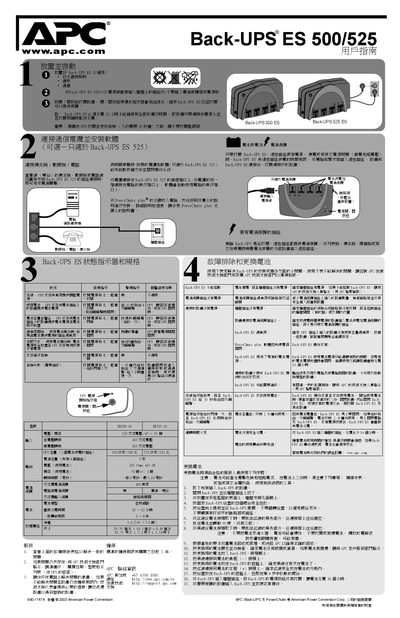
The APC Back-UPS ES 500/525 is a line‑interactive UPS that supplies battery backup and surge protection to connected equipment such as computers, monitors, fax machines and routers. It features four protected outlets, two battery‑backed outlets, and a communication port for optional software control.
This manual covers installation, connecting devices, optional PowerChute Plus software setup, battery maintenance, status‑indicator meanings, safety warnings, and a troubleshooting guide. Detailed procedures for battery replacement, charging, and fault diagnosis are provided to help users keep the UPS operating reliably. This manual is written in Chinese.
| UPS capacity (500 model) | 500 VA / 300 W |
|---|---|
| UPS capacity (525 model) | 525 VA / 315 W |
| Input voltage | 220 V AC |
| Output voltage (battery mode) | 220 V ±8 V |
| Frequency | 50 Hz ±1 Hz |
| Transfer time | 8 ms typical, 10 ms max |
| Battery type | Sealed lead‑acid |
| Battery recharge time | 10–12 hours (full charge 16 hours) |
| Surge capacity (all outlets) | 5 A |
| Dimensions (W×H×D) | 29.79 cm × 18.3 cm × 8.49 cm |
Turn off the UPS, remove the rear cover, disconnect the red and black battery leads, lift the battery out, install the new battery, reconnect the leads, and re‑attach the cover.
The battery requires about 10–12 hours for a normal charge and up to 16 hours for a full charge after a deep discharge.