
APC Smart-UPS 120 VAC User's Manual, introduces the product features and characteristics, including startup, installation, inspection, placement, connection to computer interface port, etc.
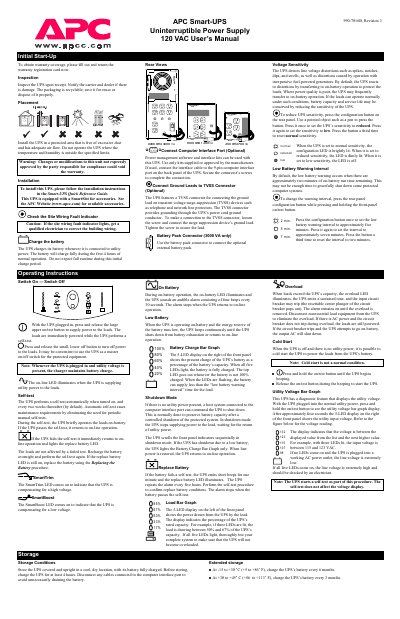
This manual covers the APC Smart‑UPS 990‑7016B, a 120 VAC uninterruptible power supply designed to protect connected equipment from power disturbances. It explains initial start‑up, installation, wiring, and configuration options such as voltage sensitivity and low‑battery warning intervals.
Key sections include detailed battery‑replacement procedures for different VA models, operating instructions for on‑battery and shutdown modes, self‑test scheduling, and a full specifications table. Safety warnings, storage guidelines, and service instructions are also provided.
| Acceptable input voltage | 0 - 160 VAC |
|---|---|
| Output voltage (default) | 103-132 VAC |
| Frequency limits (on‑line) | 50 or 60 Hz, ±5% |
| Transfer time | 2 ms typical, 4 ms maximum |
| Battery type | Spill‑proof, maintenance‑free, sealed lead‑acid |
| Operating temperature | 0 °C to +40 °C (+32 °F to +104 °F) |
| Size (H × W × D) | 15.8 × 13.7 × 35.8 cm |
| Weight (net, shipping) | 10.5 kg (11.8 lb) |
The UPS has a hot‑swappable battery; follow the battery‑replacement procedure for the 2200‑3000 VA models, which includes removing the front cover, disconnecting the battery connectors, inserting new batteries, and re‑securing the cover.
The SmartTrim LED lights when the UPS is compensating for a high voltage on the input line.
Store the UPS covered and upright in a cool, dry location with the battery fully charged, and recharge the battery every 6 months (or every 3 months if stored at higher temperatures).