
This document is the user manual for APC Smart-UPS online interactive uninterruptible power supply SU2200ICH/SU3000ICH. It provides detailed instructions on installation, maintenance, operation, and electrical safety of the equipment.
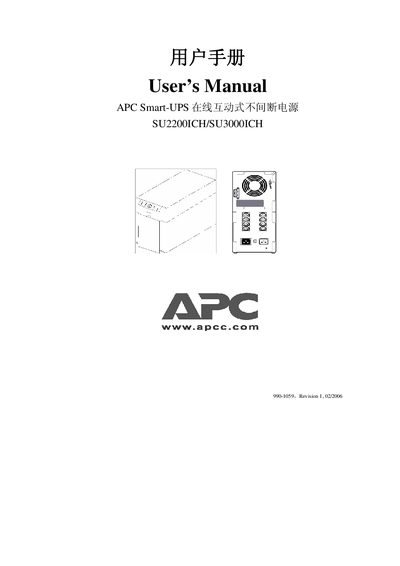
This manual explains the purpose of the APC Smart‑UPS, which protects computers and other electronic equipment from power interruptions, voltage sags, spikes, and frequency variations. It includes safety warnings, battery handling rules, and environmental requirements.
The guide covers installation of the UPS for both 230 V and 100/120 V models, connection of equipment, configuration of sensitivity settings, operation of the start/test and setting buttons, and procedures for battery replacement, self‑test, and troubleshooting. Maintenance and repair instructions, including RMA handling, are also provided. This manual is written in Chinese.
| VA rating | 2200 VA / 3000 VA |
|---|---|
| Input voltage (230 V models) | 230 V |
| Input voltage (100/120 V models) | 100 V‑120 V |
| Battery full‑charge time | First 4 hours |
| Low‑battery warning interval | Approximately 2 minutes remaining |
No, the UPS must not be used to power a laser printer.
Hold the start/test button on the front and press the setting confirmation button on the rear panel to cycle the interval between 2, 5, and 7 minutes.
The UPS will immediately revert to line power and the battery‑replace indicator will light; follow the battery‑replacement procedure if needed.