
The APC Back‑UPS user manual provides safety guidelines, installation steps, operation instructions, troubleshooting and specifications for models…
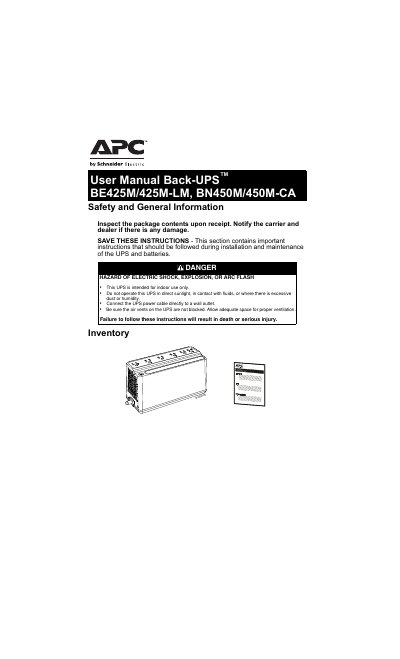
This manual covers safe handling, installation, and maintenance of the APC Back‑UPS units. It explains how to connect the internal battery, mount the UPS, configure indicator modes, and adjust voltage sensitivity. Detailed safety warnings address electric shock, battery hazards, and proper grounding.
Operational guidance includes turning the UPS on and off, using Quick Mute, interpreting status LEDs, and troubleshooting common problems such as power loss, overload, and battery replacement. The document also provides technical specifications, warranty information, and service procedures.
| Input Voltage | 120 Vac |
|---|---|
| Nominal Frequency | 50/60 Hz ±1 Hz |
| UPS Capacity | 425 VA / 255 W (BE425M) 450 VA / 255 W (BN450M) |
| Number of Outlets | 6 (4 battery backup, 2 surge) |
| Physical Net Weight | 5.7 lb (2.6 kg) |
| Dimensions (L×W×H) | 9.98 in × 4.13 in × 5.51 in |
| Operating Temperature | 32 °F to 104 °F (0 °C to 40 °C) |
| Storage Temperature | -4 °F to 122 °F (–20 °C to 50 °C) |
| Operating Relative Humidity | 0 % to 95 % non‑condensing |
| Battery Type | Sealed, maintenance‑free, lead‑acid, 12 V |
| Average Battery Life | 3‑5 years |
| Charging Time | 8 hours |
| Transfer Time | 4 ms |
Press and hold the POWER button for at least 2 seconds; release at the first beep to power down the unit.
A short press (<2 seconds) of the POWER button temporarily mutes audible alarms such as the On‑Battery alarm.