
This document is the Back-UPS ES 500/525 user manual, which introduces how to use the product, including how to connect the communication cable, software installation, power indicator light and other content.
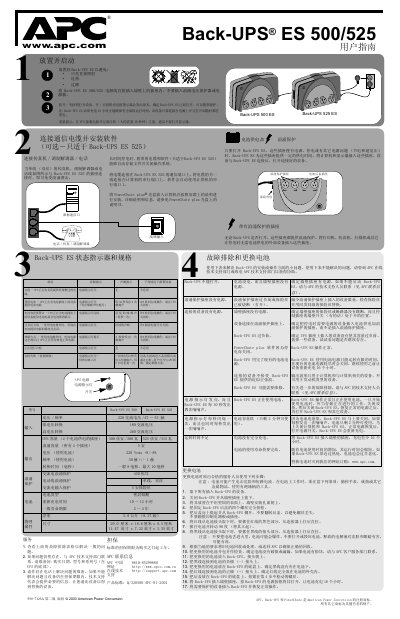
This manual provides step‑by‑step instructions for connecting the communication cable, installing the optional PowerChute plus software, and safely placing the Back‑UPS ES units on a wall outlet. It describes how to power‑on the device, use the battery‑backed and surge‑protected outlets, and interpret the status indicators.
Additional sections cover battery replacement procedures, troubleshooting tips for common problems such as overload or low‑battery warnings, and warranty information with APC support contacts. Technical specifications for input voltage, output capacity, surge protection, and physical dimensions are also listed. This manual is written in Chinese.
| Input voltage / frequency | 220 V AC, 47‑53 Hz |
|---|---|
| Output UPS capacity (battery‑backed outlets) | 500 VA / 300 W |
| Surge capacity (all outlets) | 5 A |
| Battery type | Sealed lead‑acid |
| Recharge time | 10‑12 hours |
| Net weight | 3.8 kg |
| Dimensions | 29.0 cm × 18.6 cm × 8.5 cm |
It must be charged for 12 hours to ensure full runtime.
Check that the wall outlet has power, verify the fuse is intact, ensure the UPS is plugged in, and contact APC technical support if it still will not start.