
This document is a user manual for watches model 4380 and 4396. It provides instructions on various functions and operations of the watches, including setting time and date, switching between 12-hour and 24-hour format, adjusting the pointer time, and DST setting. It also explains the different modes and functions of the buttons on the watches.
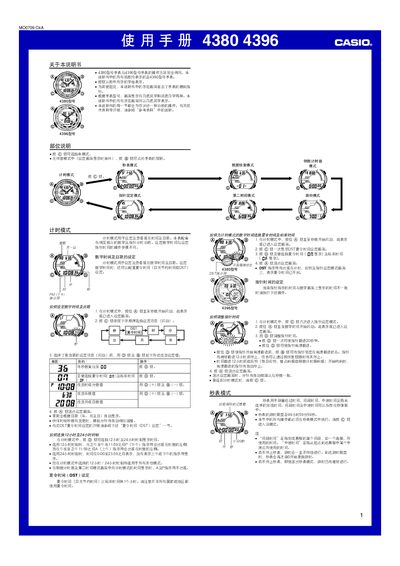
This manual provides step‑by‑step instructions for operating the Casio 4380 and 4396 digital watches. It covers all modes, button functions, and settings needed for everyday use. Key functions described include time‑keeping, stopwatch, countdown timer, multiple alarms, second time‑zone, daylight‑saving time, data retrieval, lighting control, and button‑sound options. This manual is written in Chinese.
| Stopwatch measurement limit | 99 hours 59 minutes 59 seconds |
|---|---|
| Memory capacity | 60 records |
| Year‑setting range | 2000–2099 |
| Lighting duration options | 1.5 seconds or 3 seconds |
Enter Timekeeping mode, press and hold the A button until the seconds flash, then use the D and B buttons to adjust hours, minutes, year, month and day.