
This document is an instruction manual for operating the 4380, 4396, and 5048 model watches. The operation methods for the watches are identical, and the illustrations in this document depict the 4380 model. The watches have digital and analog timing functions and can be used to set and view digital time and date.
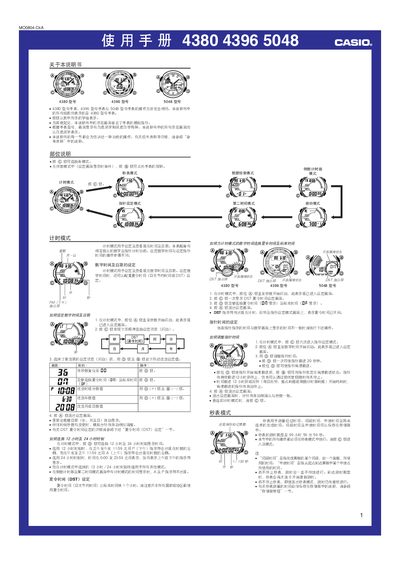
This manual provides step‑by‑step instructions for operating the Casio 4380, 4396 and 5048 wrist‑watches. It covers time‑setting, digital and analog modes, daylight‑saving adjustments, stopwatch functions, interval and split‑time recording, countdown timer, multiple alarms and illumination settings.
The guide also describes data‑retrieval, memory management, and how to enable or disable button sounds and automatic return features. All illustrations refer to the 4380 model, but the procedures apply to the 4396 and 5048 models as well. This manual is written in Chinese.
| Memory capacity | 60 records |
|---|---|
| Stopwatch measurement limit | 99 h 59 m 59 s |
| Year setting range | 2000‑2099 |
| Display illumination type | EL (electroluminescent) panel |
In time‑keeping mode, hold the A button until the seconds flash, press C to select the field, then use D and B to change the value, and press A to exit.