
This document is an instruction manual for CASIO watches. The watch has multiple functions, including timing, alarm, stopwatch, moon/tide data, and countdown timer. However, it is important to note that the data displayed on the watch cannot be used for navigation purposes or calculating low and high tide times. Additionally, when engaging in activities that may pose significant danger or risk to life, it is necessary to use another compass to confirm the direction. The document also explains how to set the time and date, as well as the importance of setting the residence data correctly.
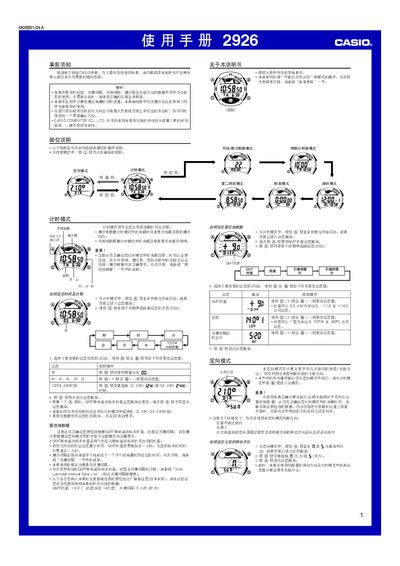
The Casio 2926 watch provides multiple functions such as timekeeping, five daily alarms, a stopwatch, tide and moon data, a directional mode, and automatic illumination. The manual guides you through setting the time, date, residence data, alarms, and configuring the countdown timer.
Safety warnings advise that the watch’s tide and moon data are for reference only and should not be used for navigation. Proper setup of time, date, and residence data is required for accurate directional and tide information, and the automatic illumination should be disabled during activities where sudden light could be hazardous. This manual is written in Chinese.
| GMT offset range | -11.0 to +14.0 hours |
|---|---|
| Longitude range | 179°W to 180°E |
| Supported year range | 2000‑2039 |
| Number of daily alarms | 5 |
Enter time‑setting mode by holding the A button until the seconds flash, then use the C, D, and B buttons to change the time, date, and other settings.
In alarm mode, press the D button to select an alarm, then hold the A button to make the hour digits flash and use the D (+) and B (‑) buttons to adjust the time.
While in time‑setting mode, hold the D button for about two seconds to toggle the automatic illumination on or off; an indicator appears when it is active.