
This document is an instruction manual for CASIO watches, which introduces the methods of using the watch, charging, and operating various modes. It also introduces the power saving function and the use of the countdown timer.
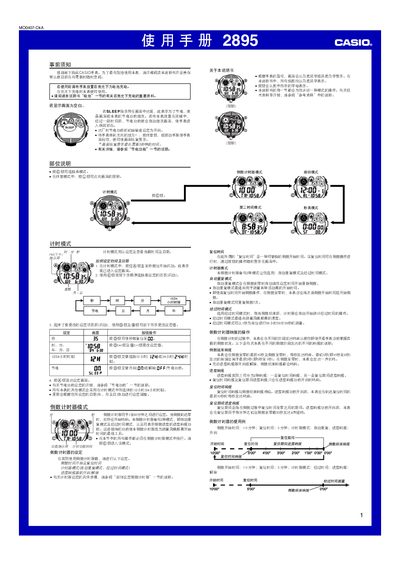
This manual provides step‑by‑step instructions for operating the Casio 2895 1MO0407-CkA solar‑powered watch. It covers initial setup, mode selection, and detailed procedures for the countdown timer, second‑time mode, alarms, stopwatch, and illumination features.
Safety notes, battery‑charging guidelines, and power‑saving settings are also included, along with reference data such as battery specifications and charging times under various lighting conditions. This manual is written in Chinese.
| Power source | Solar cell + rechargeable secondary battery |
|---|---|
| Replaceable battery type | CT L1616 (Casio specified) |
| Countdown timer range | 1–60 minutes |
| Stopwatch maximum display | 99 h 59 min 59.99 s |
| Number of daily alarms | 5 (one can be intermittent) |
| Automatic illumination activation angle | Tilt wrist >40° toward you |
Place the watch in bright light; the solar cell will charge the internal battery.
Enter countdown timer mode, hold the A button until the start time flashes, then use the C, D and B buttons to adjust the start and reset times.
In timing mode, press and hold the D button for about two seconds to toggle automatic illumination, or tilt the watch more than 40° toward you while it is in a dark environment.