
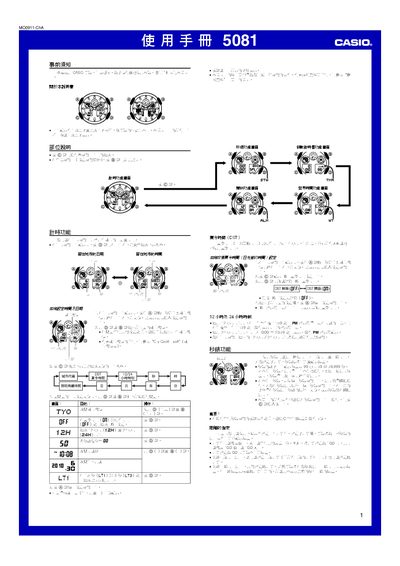
This manual provides step‑by‑step instructions for operating the Casio 5081 digital watch. It covers basic time setting, 12‑hour/24‑hour formats, daylight‑saving adjustments, and how to select city codes for both the local and world‑time displays.
Additional sections describe the stopwatch with distance and speed calculations, interval and split timing, alarm and countdown timer setup, automatic and manual illumination, and how to calibrate the hands' baseline positions. Technical specifications and battery information are listed at the end. This manual is written in Chinese.
| Accuracy (room temperature) | ±15 seconds per month |
|---|---|
| Battery type | Lithium CR1220 |
| Battery life | Approximately 2 years |
| Stopwatch measurement limit | 99:59:59.999 |
| Stopwatch resolution | 1/1000 second |
| Time format | 12‑hour and 24‑hour |
Press the @ button to cycle through city codes; hold the button for about three seconds to select the desired city.
Turn on the automatic illumination by activating its indicator; the watch will light up automatically when you rotate the watch face more than about 40° toward you.
Enter the alarm screen, use the @ button to select the alarm you wish to set, then adjust the time with the @ and @@ buttons and confirm with @.
Select the countdown timer function, set the start time between 1 minute and 24 hours using the @ button, and enable the auto‑repeat option if desired.