
This document provides instructions on how to use the ANALOG (HK-W) 1 MA0801-CkA watch, including setting the time and date.
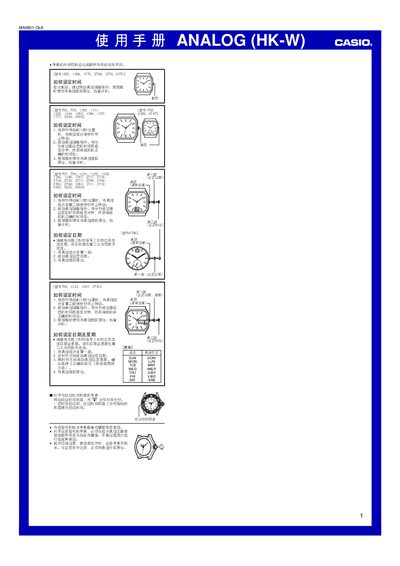
This manual provides step‑by‑step instructions for setting the time, date and day on Casio analog watches. It also describes the proper use of the crown, including the screw‑lock version for water‑resistant models.
The guide covers a wide range of model numbers (e.g., 1362, 1398, 1770, 2799, 3378, 4370, etc.) and includes special notes such as avoiding date changes between 8 p.m. and 4 a.m. and how to read the elapsed‑time dial where present. This manual is written in Chinese.
| Water‑resistant models | Screw‑lock crown |
|---|---|
| Elapsed‑time dial | Rotate dial to align marker with minute hand |
Pull the crown out to the second position when the seconds hand reaches 12, rotate the crown to adjust the hands, then push the crown back in to resume timing.
Do not change the date or day between 8 p.m. and 4 a.m., otherwise the change may not take effect until the next day.