
User manual, introducing the operation methods of the watch's timing function, world time function, stopwatch function, countdown timer function, and alarm function
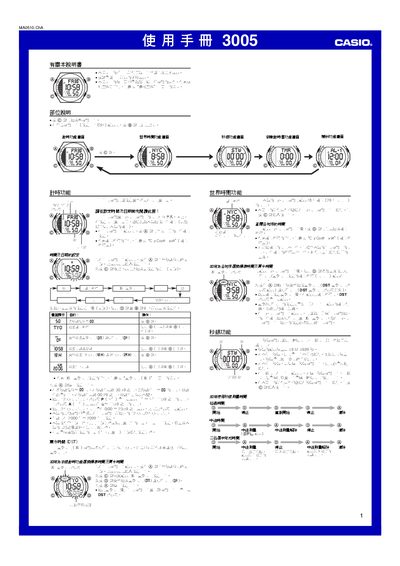
This manual explains how to operate the Casio 3005 watch, including setting time and date, world time, stopwatch, countdown timer, alarms, and lighting. It covers button functions, city codes, DST settings, and display controls. The watch features automatic calendar, 12/24-hour time formats, and five alarms with one interval alarm. Lighting can be toggled via button B, and button sounds can be muted via button C. This manual is written in Chinese.
| World Time Cities | 48 cities (29 time zones) |
|---|---|
| Stopwatch Limit | 59 minutes 59.99 seconds |
| Countdown Timer | 1 minute to 24 hours |
| Alarms | 5 alarms (4 single-beep, 1 interval) |
| Time Formats | 12-hour or 24-hour |
| Calendar | Automatic (2000-2099) |
Press and hold button A until the seconds digit starts flashing to enter the setting mode. Then use button C to select the item to change, and buttons D and B to adjust the value.
While in any function screen (except setting mode), press and hold button C to toggle mute on or off. The MUTE indicator will appear on all screens when muted.