
User manual, which introduces how to use the watch's various functions
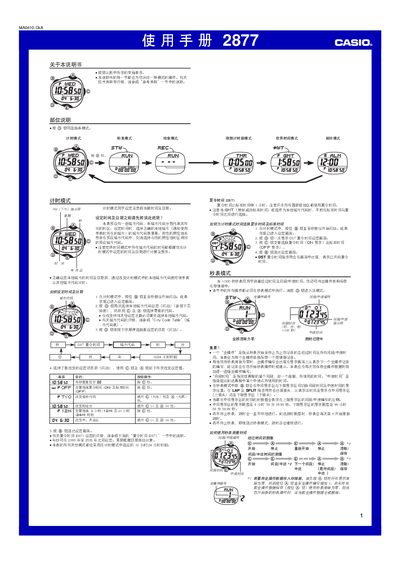
This manual explains how to operate the Casio 2877 timer, covering all five operating modes: Time, World Time, Stopwatch, Countdown Timer and Alarm. Each mode description includes button sequences for setting values, switching between modes, and using special features such as daylight saving time and automatic illumination.
Additional sections describe the built‑in storage for up to 500 operation records, the EL panel display, lighting options, and a city‑code table for world‑time calculations. Safety notes and battery‑low warnings are also provided. This manual is written in Chinese.
| Storage capacity | 500 operation records |
|---|---|
| Display type | EL (electroluminescent) panel |
| Illumination duration | 1.5 s or 2.5 s |
| World‑time cities supported | 27 cities (29 time zones) |
Enter World Time mode, then press C to move eastward through city codes or hold A to move westward.