
This document is the user manual for the watch models 4335 and 4348 produced by CASIO COMPUTER CO. LTD. The watch has functions such as timing, thermometer, tide graph, and moon phase chart, but it is not suitable for professional or industrial precision measurement and navigation purposes. The accuracy and tide dynamics displayed on the watch are for reference only, and CASIO is not responsible for any losses caused by using the watch.
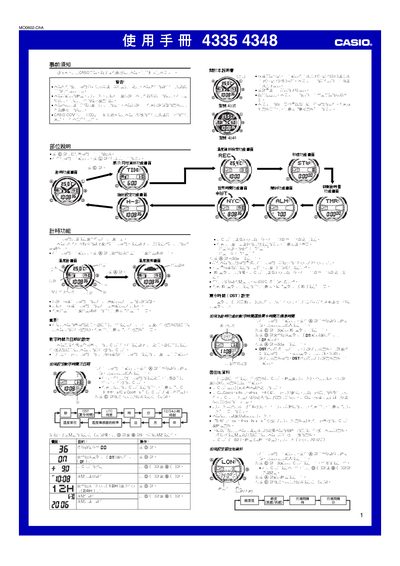
This manual explains how to set the current time, date, UTC offset and location data, which are required for accurate world‑time, tide and moon‑phase displays. It also covers temperature measurement, calibration, and how to view temperature trends.
Additional sections describe the stopwatch, countdown timer, alarm settings, automatic illumination, and the EL panel lighting. Safety warnings and usage notes are included throughout the guide. This manual is written in Chinese.
| Temperature measurement range | -10.0℃ to 60.0℃ (or -14.0℉ to 140.0℉) |
|---|---|
| Lighting type | EL (electroluminescent) panel |
| Automatic illumination timeout | ≈6 hours before auto‑off |
From the timing screen, press and hold the D button for about 3 seconds to toggle automatic illumination on or off.