
This document is a user manual for a multifunctional watch, including instructions for different modes, keyboard layout, and setting the time and date.
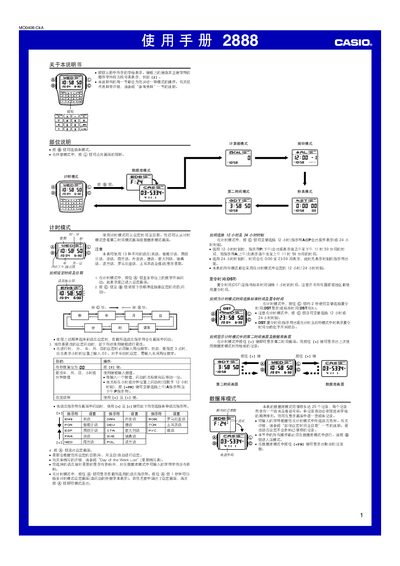
This manual provides step‑by‑step instructions for operating the Casio 2888 digital watch. It covers all modes—including timekeeping, alarm, database, calculator, stopwatch and automatic illumination—and explains how to configure language, date, and other settings.
The guide also includes reference tables for character sets, language indicators, and technical details such as storage capacity, illumination duration, and alarm options, helping users fully utilize the watch’s features. This manual is written in Chinese.
| LED illumination duration | 1.5 seconds or 3 seconds |
|---|---|
| Database capacity | Up to 25 records |
| Number of alarms | 5 individual alarms |
| Stopwatch display range | 23 h 59 m 59.99 s |
| Year setting range | 2000 – 2099 |
While in Timekeeping mode, hold the A button to display the current language indicator, then press the A button for about one second to enter the language setting screen and use the [+] and [÷] keys to cycle through the available languages.
The watch provides five separate alarms, with one configurable as an intermittent alarm and the remaining four as single‑shot alarms.