
Instruction manual for a watch, introduces how to set time and date, use stopwatch and countdown alarm etc.
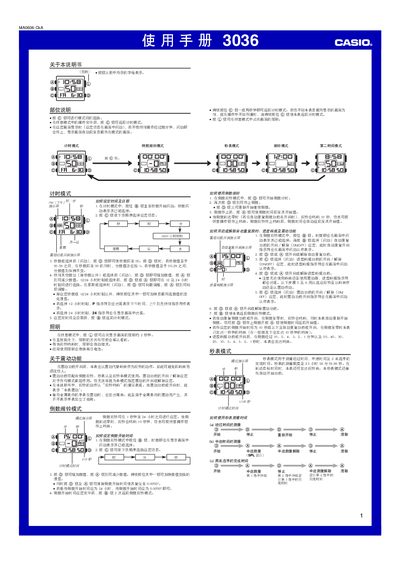
This manual describes the various operating modes of the Casio 3036 watch, including timer mode, stopwatch mode, countdown mode, alarm mode, and a secondary time zone mode. It explains how to switch between modes, adjust settings, and use features such as backlight, vibration, and automatic start.
The guide also covers detailed functions like setting target times, enabling automatic start, using the backlight (approximately 2 seconds), and managing battery consumption. Instructions for adjusting 12‑hour/24‑hour display, configuring vibration alerts, and resetting countdown timers are provided. This manual is written in Chinese.
| Maximum timing duration | 23 h 59 m 59.99 s |
|---|---|
| Automatic start countdown | 5 seconds |
| Backlight illumination time | ≈ 2 seconds |
Press the (0) button; the display lights for about two seconds.
The stopwatch can measure up to 23 hours 59 minutes 59.99 seconds.
In stopwatch mode, press the @ button when the display shows all zeros to toggle automatic start.