
This manual provides instructions and functions for the watch 3752 1 MA0412-CkA. The watch has multiple modes, including timer mode, world time mode, countdown timer mode, stopwatch mode, alarm mode, and pointer setting mode. The watch can be used by setting the digital time and date, and by selecting daylight saving time and local city code. The watch also has the function to adjust the pointer time. Please read this manual carefully and follow the instructions for user maintenance.
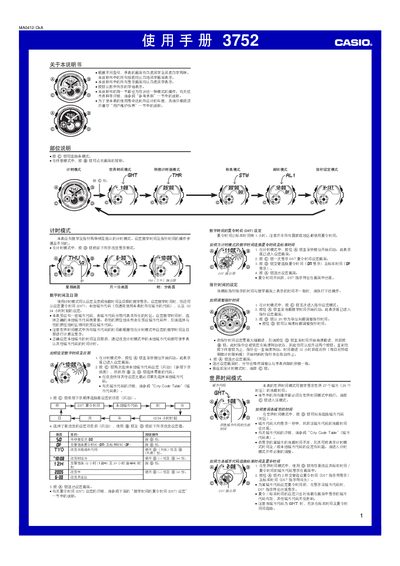
This manual provides step‑by‑step instructions for all operating modes of the Casio 3752 watch, including timing mode, world‑time mode, countdown timer, stopwatch, alarm, and hand‑setting mode. Each section describes how to enter the mode, adjust settings with the A‑D buttons, and exit back to normal operation.
Additional information covers the watch’s display options, EL backlight, automatic calendar, year‑setting range, and daylight‑saving time adjustments, as well as reference tables for city codes and time‑zone differences. This manual is written in Chinese.
| Display options | white background with black characters or black background with white characters |
|---|---|
| Year setting range | 2000‑2039 |
| Time format | 12‑hour or 24‑hour |
| Calendar | Fully automatic, adjusts month length and leap years |
In timing mode, press and hold the A button until the seconds digits flash, then use the C, B, and D buttons to select the city code and adjust the time and date values.
Enter countdown timer mode with the C button, press and hold A until the start‑time flashes, then use C to select the item and B/D to adjust the minutes, finally press A to save and exit.