
This manual describes how to use the CASIO watch 3022. The watch has built-in sensors that can measure atmospheric pressure, temperature, and altitude, and display the measurements on the screen. These features are very useful for activities such as hiking, mountaineering, or other outdoor sports.
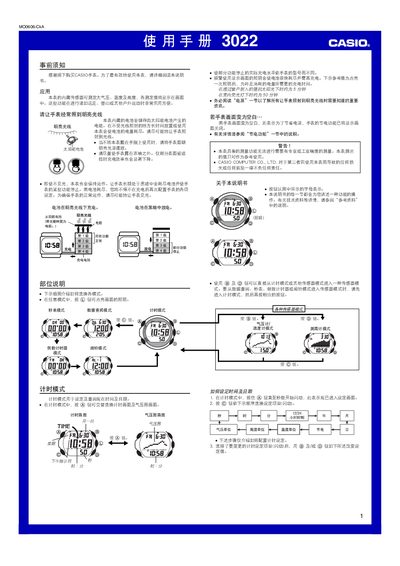
This manual explains how to operate the Casio 3022 wristwatch, which includes atmospheric pressure, temperature and altitude sensors. It covers basic handling, charging the solar‑powered battery, and configuring the various measurement modes.
The guide also details advanced features such as automatic illumination, alarm settings, data logging, sensor calibration, and power‑saving functions, with safety warnings for outdoor activities and proper storage. This manual is written in Chinese.
| Pressure measurement range | 260 hPa – 1 100 hPa (0.65 inHg – 32.45 inHg) |
|---|---|
| Temperature measurement range | -10 °C – 60 °C (14.07 °F – 140.05 °F) |
| Battery type | Solar cell with rechargeable secondary battery |
| Charging time in bright sunlight | ≈5 minutes |
The watch measures atmospheric pressure from 260 hPa to 1 100 hPa (0.65 inHg to 32.45 inHg).
Approximately 5 minutes of direct bright sunlight are needed to raise the battery by one level; full charge may require longer exposure.
All functions stop, and the watch returns to its factory default settings; you must recharge before using it again.