
This manual is an instruction for using manual 4762 1 MA0611-ChA. The manual introduces the representation of buttons, operation steps of watch functions, setting method of digital time and date, setting of daylight saving time, and adjustment method of pointer time.
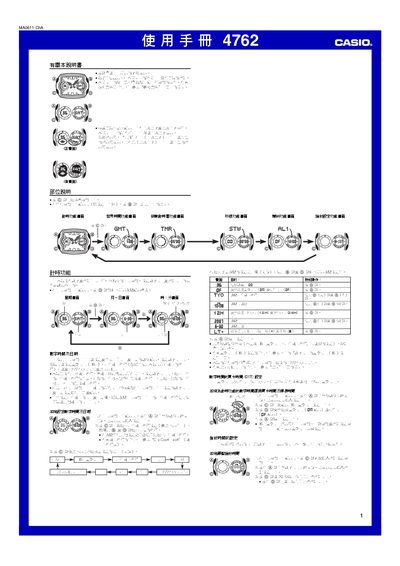
This manual provides step‑by‑step instructions for operating the Casio 4762 watch, covering time setting, daylight saving adjustments, city codes, and 12/24‑hour formats. It also describes how to use and customize the alarm, countdown timer, stopwatch, and hand‑setting functions.
Additional sections explain the automatic LED illumination, automatic calendar with leap‑year handling, and safety warnings for using the illumination while driving or cycling. Reference tables list city codes and UTC offsets for the world‑time feature. This manual is written in Chinese.
| Stopwatch range | 0‑59 min 59.99 sec |
|---|---|
| Countdown timer range | 1‑60 minutes |
| Illumination type | LED |
| Calendar | Full‑automatic with leap‑year adjustment |
Press and hold the A button until the seconds digits flash, then use the C, B and D buttons to select and adjust the city, hour, minute, and date.
Hold the B button for about 2 seconds to toggle the automatic illumination on or off; the indicator will appear or disappear on the screen.
The stopwatch can measure up to 59 minutes, 59.99 seconds.