
5001 watch instruction manual, introduce the use methods and operation steps of each function of the watch, including timer mode, world time mode, alarm mode, stopwatch mode, countdown timer mode, edit mode, and provide city code table
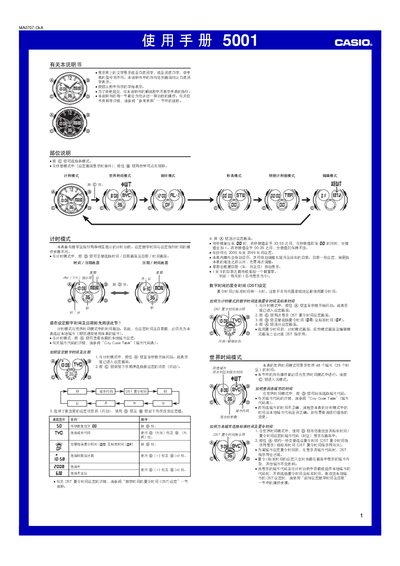
This manual provides step‑by‑step instructions for all operating modes of the Casio 5001 digital watch, including time‑setting, alarm configuration, world‑time selection, stopwatch, countdown timer and edit functions. Each section describes the button sequence needed to enter the mode, adjust values and exit the setting screen.
Additional information covers the automatic calendar, LED backlight operation, 12/24‑hour format selection, daylight‑saving time adjustments and how to reset all settings to the factory defaults. This manual is written in Chinese.
| Display limit | 59 min 59.99 sec |
|---|---|
| Year range | 2000‑2099 |
| Automatic calendar | Adjusts month length and leap year automatically |