
This manual provides instructions and functions of the 3031 1 MA0605-CkA manual, including the timer mode, world time mode, stopwatch mode, countdown timer mode, and alarm mode. It also explains how to set the time and date, and how to use the stopwatch and auto start function.
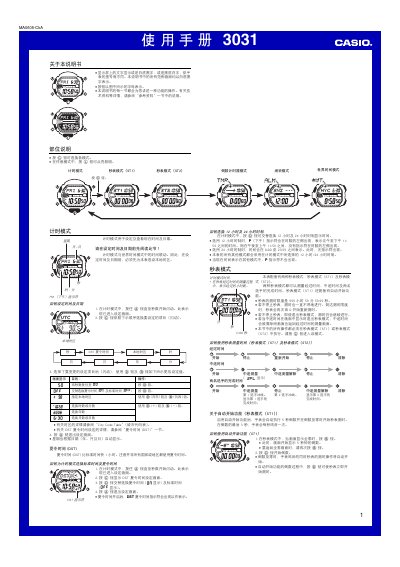
This manual provides step‑by‑step instructions for operating the Casio 3031 watch, covering time‑setting, world‑time city selection, stopwatch functions, countdown timer, alarm configuration and illumination settings. It also includes safety notes for automatic illumination and button sound options.
Reference tables list city codes and UTC offsets, while the appendix details technical notes such as EL panel illumination limits and battery considerations. This manual is written in Chinese.
| Stopwatch measurement range | 999 h 59 min 59.99 s |
|---|---|
| Illumination duration options | 3 seconds or 5 seconds |
| Button operation sound | Audible click on each button press |
| Flashing alert indicator | Visible when flashing alert is active |
In Timekeeping mode, hold the A button until the seconds flash, then use the C, D and B buttons to change hours, minutes, date, etc.
In any mode, hold the B button for about 3 seconds to toggle the automatic illumination; an indicator appears when it is on.
When the flashing alert is enabled, the watch’s illumination flashes twice for alerts and once when disabled, and the flashing‑alert indicator appears on all screens.