
Instruction manual, introduces the functions and usage of the watch
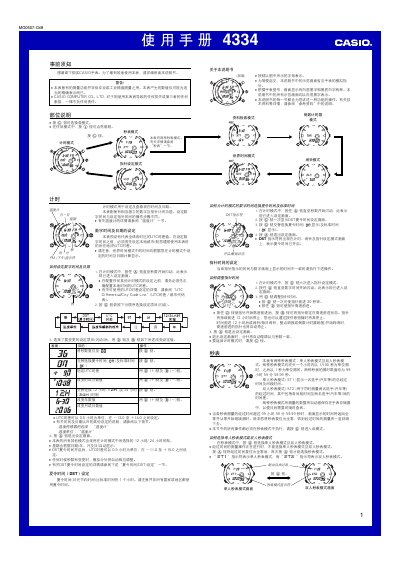
The Casio 4334 1MO0607-CkB watch manual provides step‑by‑step instructions for all operating modes, including time and date setup, world‑time selection, alarm, stopwatch (single and dual), countdown timer, temperature measurement and automatic illumination. It also covers sensor calibration, data storage management and safety warnings.
The guide details button functions (A, B, C, D, L) for navigating menus, adjusting settings in 0.5‑hour UTC increments, enabling DST, switching between 12‑hour and 24‑hour formats, and configuring illumination. It includes a reference section with technical notes and troubleshooting tips. This manual is written in Chinese.
| Maximum stored logs | 50 records |
|---|---|
| Temperature display range | -10.0 °C to 60.0 °C |
| Temperature unit options | °C or °F |
| UTC offset range | -12.0 to +14.0 hours (0.5 h steps) |
| DST offset range | -11.0 to +15.0 hours (0.5 h steps) |
| Stopwatch maximum time | 99 h 59 min 59.99 s |
| Automatic illumination auto‑off time | ≈6 hours |
Enter the time‑setting screen by holding the A button until the seconds flash, then use the C, D and B buttons to adjust hour, minute, year, month, day and UTC offset as described.
In time‑setting mode, press C to select the UTC offset item, then use D (+) and B (‑) to change it in 0.5‑hour steps; press C again to access DST and toggle it with D.
The watch can store up to 50 stopwatch logs in its internal memory.