
This document introduces safety measures and maintenance for Philips 240PW9 LCD monitor
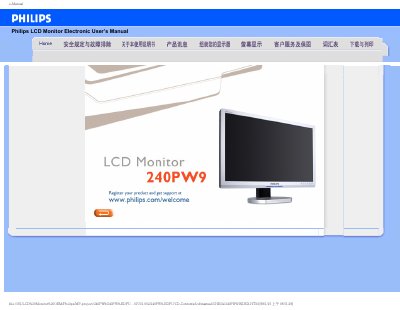
This manual covers safety precautions, proper handling, and installation of the Philips 240PW9 LCD monitor. It explains how to avoid damage, clean the screen, and maintain optimal performance under recommended temperature (0‑40 °C) and humidity (20‑80 % RH) conditions.
The document also includes troubleshooting advice, a FAQ section with common issues such as video mode errors and screen adjustments, and instructions for downloading drivers and printing the manual. Additional information on VESA mounting and USB connectivity is provided.
| Screen size | 24 inches |
|---|---|
| Maximum resolution | 1920 × 1200 @ 60 Hz |
| Operating temperature | 0 °C – 40 °C |
| VESA mounting | 4 standard VESA mounting holes |
Press the menu button, select the reset option, and confirm to restore all default settings.
Yes, the monitor has four standard VESA mounting holes for attaching to a VESA‑compatible arm or bracket.