
This document describes the safety instructions for using the Philips LCD Monitor 220VW9, including safety measures and maintenance, general FAQs, troubleshooting, regulations and other related information.
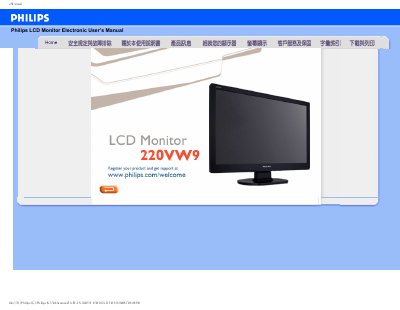
This electronic user's manual is for the Philips 220VW9 LCD Monitor. It provides safety and troubleshooting information, connection and usage instructions, and support registration at www.philips.com/welcome.
The FAQ section answers general questions about screen adjustment, compatibility with other peripherals, and LCD screen technology. It also covers monitor features such as the Auto function, color settings including 6300K, 9300K and sRGB, and VESA wall mounting.
| Recommended video mode | 1680 x 1050@60Hz |
|---|---|
| Screen size | 22 inch |
The recommended video mode is 1680 x 1050 at 60Hz.
Press the MENU button and select Reset to restore all original default values.
Pressing the AUTO button restores the optimal screen position, phase and timing settings without using the OSD menu.
Yes, it can be mounted using the four standard VESA wall-mount holes on the back cover.