
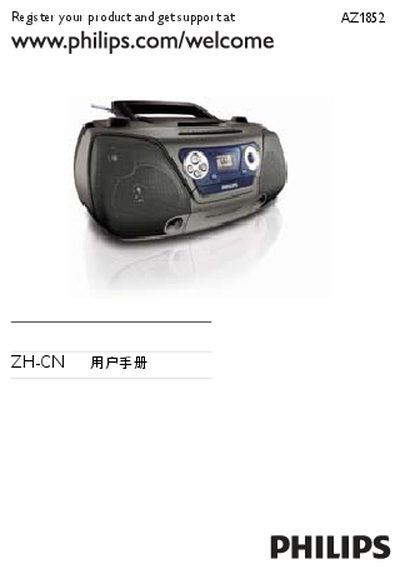
This manual covers important safety precautions, battery handling, hearing protection and environmental disposal information for the Philips CD gramophone. It also explains the functions of the main unit, remote control, and the various input sources such as CD, USB, FM and tape.
Technical specifications, cleaning procedures, troubleshooting steps and warranty information are provided to help users set up, operate and maintain the product safely and efficiently. This manual is written in Chinese.
| Laser type | Semiconductor |
|---|---|
| Disc diameter | 12 cm / 8 cm |
| Supported disc formats | CD‑DA, CD‑R, CD‑RW, MP3‑CD, WMA‑CD |
| Audio DAC resolution | 24 bit / 44.1 kHz |
| Total harmonic distortion (audio) | < 1 % |
| Frequency response | 60 Hz – 16 kHz |
| Signal‑to‑noise ratio (audio) | > 62 dB A |
| FM tuner range | 87.5 MHz – 108 MHz |
| FM total harmonic distortion | < 3 % |
| FM signal‑to‑noise ratio | > 50 dB |
| Power supply | 220 V / 50 Hz or 6 × 1.5 V batteries |
| Power consumption | 25 W |
| Dimensions (W × H × D) | 360 mm × 256 mm × 161 mm |
| Net weight | 2.6 kg |
| Gross weight | 3.3 kg |
Use a Philips CD lens cleaner or a commercial cleaning solution applied with a soft, slightly damp cloth, following the cleaner’s instructions.
Check that the volume is set appropriately, verify the battery installation, ensure the power cord is securely connected, and adjust the source selection if needed.
If no action is taken, the device will automatically power off after 15 minutes as an energy‑saving feature.