
This document provides detailed instructions on how to safely use and maintain your Philips LCD monitor, including operation, maintenance, frequently asked questions, troubleshooting, and applicable regulations.
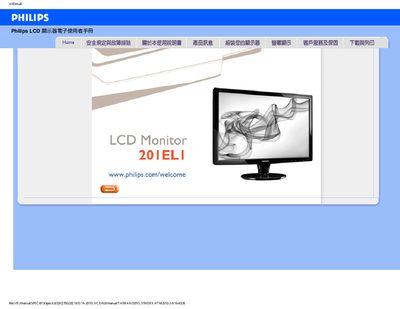
This manual provides safety guidelines, installation steps, and usage instructions for the Philips 20IELI LCD monitor. It includes recommended operating conditions, cleaning instructions, and warranty information.
The document also contains a detailed FAQ section that addresses common issues such as resolution settings, refresh rates, mounting options, and driver installation, helping users resolve problems without service assistance. This manual is written in Chinese.
| Recommended resolution | 1600x900 @60Hz |
|---|---|
| Maximum refresh rate | 75Hz |
| Operating temperature range | 0 °C to 40 °C |
| Operating humidity range | 20‑80% RH |
| VESA mounting compatibility | Standard VESA mounting holes |
Set the monitor to the recommended resolution of 1600x900 @60Hz and ensure the cable connections are correct.
Yes, the monitor has standard VESA mounting holes for wall or bracket installation.
Use a dry soft cloth for routine cleaning; for deeper cleaning, use isopropyl alcohol, avoiding other solvents.