
This document is the electronic user manual for the Philips LCD monitor, including safety measures, troubleshooting, and frequently asked questions. The document mentions precautions when using the monitor, such as avoiding direct sunlight, ensuring proper ventilation, and avoiding excessive vibration. It also provides maintenance tips, such as not pressing the LCD panel too hard and unplugging the power cord. In addition, the document mentions precautions for repairing the monitor, such as only allowing professionals to open the casing.
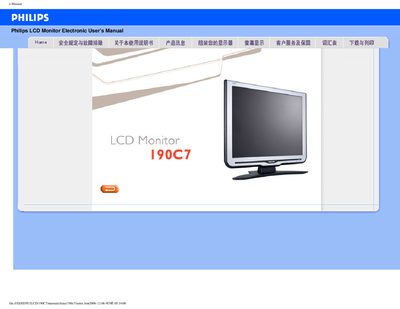
The Philips 190C7 electronic user manual covers safe handling, proper installation, power‑up procedures and everyday operation of the 19‑inch LCD monitor. It includes detailed safety warnings, recommended environmental conditions and guidance on cleaning and maintenance.
The document also contains a comprehensive FAQ section that addresses common issues such as video‑mode errors, wall‑mounting, and plug‑and‑play support, plus a full set of technical specifications, signal pin assignments and download instructions for drivers and adjustment software. This manual is written in Chinese.
| Panel type | TFT LCD |
|---|---|
| Screen size | 19 inches (48.2 cm) diagonal |
| Resolution | 1280 × 1024 |
| Typical power consumption | 36 W |
| Dimensions (W × D × H) | 442 × 420 × 201 mm (including stand) |
| Weight | 5.3 kg |
| MTBF (Mean Time Between Failures) | 50 000 hours |
| Energy‑Star compliance | Yes |
Set the video mode to 1280 × 1024 @ 60 Hz, then reconnect the monitor and restart the computer.
Yes, the monitor has four standard VESA mounting holes on the back for attaching to VESA‑compatible arms or brackets.
The recommended mode is 1280 × 1024 resolution at a 60 Hz refresh rate.
Yes, it supports plug‑and‑play on Windows 95, 98, 2000, XP and Vista.