
Philips monitor user manual, introduces the monitor's safety measures, maintenance, product and packaging material disposal, installation, operation, product information, technical specifications, automatic power saving, regulatory information, customer service and warranty, troubleshooting and FAQs
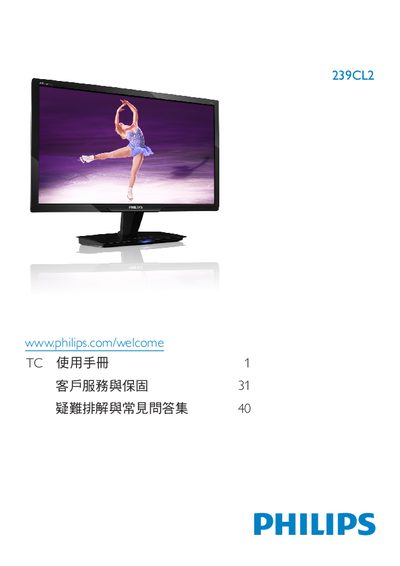
This electronic user guide explains safe handling, warranty information, and proper disposal of the Philips 239CL2 LCD monitor. It includes safety measures, recommended operating conditions, and instructions for cleaning and maintenance.
The manual also covers installation, connection options (VGA, DVI‑D, DC power), on‑screen display (OSD) settings, SmartImage modes, and how to adjust color temperature and other picture settings. Frequently asked questions address common issues such as image retention, cleaning, and compatibility with PCs, Macs, and operating systems. This manual is written in Chinese.
| Operating Temperature | 0‑40°C (32‑95°F) |
|---|
使用干燥的软布即可进行一般清洁;如需更深入的清洁,可使用少量酒精,切勿使用其他有机溶剂。
可以,使用显示器前面的按钮进入 OSD 菜单,选择 Color(色彩)并按 OK,即可调节色温、色彩强度或使用用户自定义设置。
可以,所有 Philips 显示器均兼容标准 PC、Mac 和工作站,若连接 Mac 可能需要使用适配器。