
Philips P892 phone user manual, introduces the basic functions and usage methods of the phone.
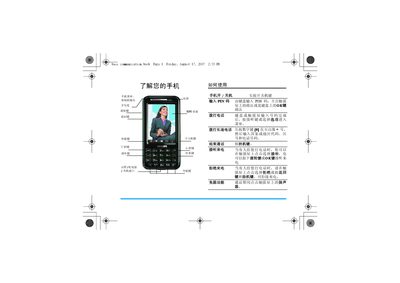
This manual explains how to install the SIM card, battery and memory card, power the device on and off, and navigate the main menu. It covers essential functions such as making and receiving calls, sending messages, using the camera, and accessing internet features.
Additional sections describe audio settings, network configuration, safety precautions, RoHS compliance, and troubleshooting tips, along with information about Philips accessories and warranty. This manual is written in Chinese.
Press and hold the power key to turn the phone on or off.
Enter the number using the keypad or touchscreen, then press the call key to start the call.