
This user guide introduces the functions and usage methods of the Philips phone, including turning on, turning off, dialing, answering calls, setting function keys, input methods, business, multimedia, entertainment, value-added services, messages, and phone settings.
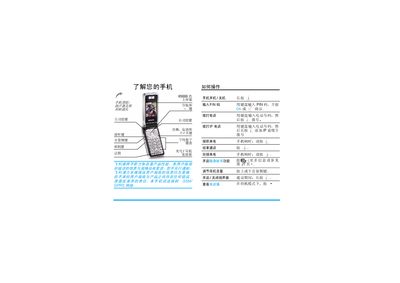
The guide provides step‑by‑step instructions for using a Philips mobile phone, including turning the device on and off, entering PIN codes, making regular and IP calls, navigating menus, and configuring function keys. It also describes how to insert the SIM card and battery, and how to access various phone features such as messaging, multimedia, and value‑added services.
Additional sections cover battery charging procedures, expected charging time, talk and standby durations, and detailed warranty and service information, including how to obtain support from authorized Philips service centers. This manual is written in Chinese.
| Charging time | ≈2.5 hours |
|---|---|
| Standby time | ≈850 hours |
| Battery type | Rechargeable battery |
Press and hold the power key for a few seconds; you may be prompted to enter a PIN code.
A full charge typically takes about 2.5 hours.
The phone can stay in standby mode for up to 850 hours.