
This document describes the safety measures and maintenance of Philips LCD displays.
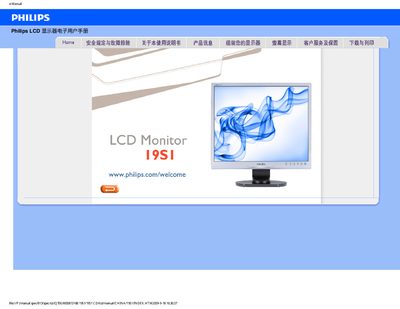
This manual covers safety precautions, proper handling, and environmental requirements for the Philips 19S1 LCD monitor. It explains how to install, connect, and adjust the display, as well as cleaning and maintenance procedures.
Additional sections address common troubleshooting problems, FAQs about resolution, refresh rate, mounting options, and driver installation, helping users resolve issues quickly and keep the monitor performing at its best. This manual is written in Chinese.
| Recommended resolution | 1280 × 1024 @ 60 Hz |
|---|---|
| Recommended refresh rate | 60 Hz (up to 75 Hz for testing) |
| Operating temperature range | 0 °C – 40 °C |
| Operating humidity range | 20 % – 80 % RH |
Set the monitor to the recommended resolution of 1280 × 1024 @ 60 Hz and ensure the refresh rate is 60 Hz.
The recommended refresh rate is 60 Hz; you can increase it to 75 Hz to check for interference.
Yes, the monitor has standard VESA mounting holes on the rear for attaching to VESA‑compatible brackets or accessories.
Use a clean, soft cloth for normal cleaning; for detailed cleaning use isopropyl alcohol and avoid solvents such as ethanol, acetone, or gasoline.