
This is a user manual for the QV-R3/QV-R4 digital camera. This manual introduces basic operating methods of the camera, such as the description of each part, the display screen, the quick reference, the menu command list, troubleshooting, precautions, and the accompanying accessories.
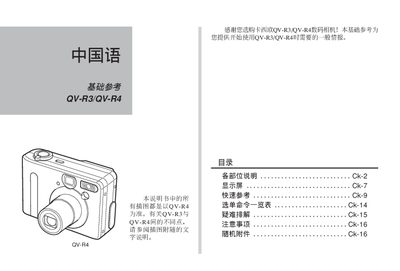
This manual introduces the QV-R3 and QV-R4 digital cameras, describing each physical part, button functions, and how to attach accessories such as the tripod socket and USB cable. It also explains the various shooting modes, flash settings, and display options available on the camera.
Safety precautions, battery handling, storage‑card usage, and troubleshooting tips are covered toward the end of the guide, along with a list of the supplied accessories and warranty disclaimer. This manual is written in Chinese.
| Image resolution (QV-R4) | 2304×1712 pixels |
|---|---|
| Image resolution (QV-R3) | 2048×1536 pixels |
| Battery type | Lithium‑ion rechargeable (NP‑30) |
| DC input voltage | 4.5 V |
| USB interface | Standard USB port for computer connection |
Open the USB port on the camera and connect the supplied USB cable to a computer’s USB port.
The camera uses a lithium‑ion rechargeable battery, part number NP‑30.
Use the shooting mode selector to cycle between modes such as single shot, timer, burst, and special effects.