
This manual introduces the functions and operations of the watch, including timing function, adjustment of pointer time, calendar function, alarm function, and second time function.
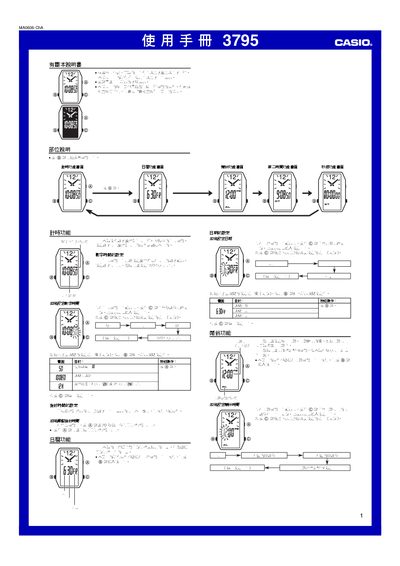
This manual describes the operation of the Casio 3795 watch, covering basic time‑setting, 12/24‑hour mode selection, and daily alarm configuration. It provides step‑by‑step instructions for each function, including timer, calendar, and stopwatch modes.
Each function is presented with the required button sequence and display indications, allowing users to adjust settings such as alarm times, calendar dates, and stopwatch intervals. The guide also notes automatic return features and how to stop functions manually. This manual is written in Japanese.
You can set the 12/24‑hour mode in the timer function settings.
The stopwatch function measures up to 59 minutes 59.99 seconds and restarts automatically after stopping.