
This manual explains how to use the watch, including how to charge the battery, set the time and date, and view the tide chart and lunar phase diagram.
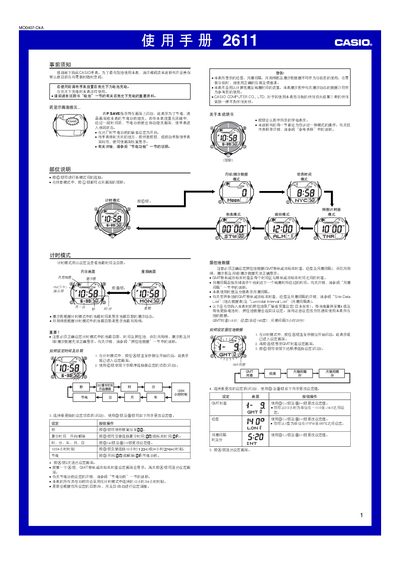
The Casio 2611 1MO0407‑CkA watch manual provides step‑by‑step instructions for using the time‑keeping, world‑time, moon/tide, alarm, countdown timer, stopwatch and illumination features. It also details safety warnings, battery charging, power‑saving mode and reference data such as GMT offsets and lunitidal intervals.
The guide explains how to set the time, date, and location data, how to replace the solar‑charged battery, and how to enable or disable automatic illumination. It includes tables for city codes, GMT differentials, and tide‑interval data for accurate lunar and tidal information. This manual is written in Chinese.
| Battery type | CTL1616 (Casio specified) |
|---|---|
| Power source | Solar cell plus rechargeable secondary battery |
| Display illumination | EL (electroluminescent) panel |
The watch uses a Casio‑specified CTL1616 rechargeable battery; only this battery type may be installed, as other batteries can damage the watch.
In timing mode, hold the D button for about two seconds to toggle automatic illumination on or off.