
This manual describes the operation methods of model 2998 and model 2999, including timing function, world time function, countdown timer function, alarm function, etc. It also explains the steps to set the time and date, and how to select daylight saving time.
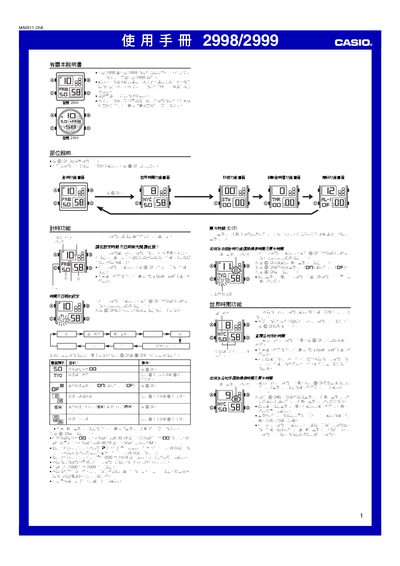
This manual covers all operating procedures for the Casio 2998 and 2999 watches. It explains how to set the time and date, select a residence city, and configure 12‑hour or 24‑hour display modes. The guide also details the automatic calendar, daylight‑saving (DST) adjustments, and button functions.
Additional sections describe the stopwatch, countdown timer, multiple daily alarms, hourly chime, and the EL backlight. Reference data such as city code tables and technical notes are provided at the end of the document. This manual is written in Chinese.
| Backlight type | EL (electroluminescent) panel |
|---|---|
| Calendar | Full‑automatic calendar with leap‑year adjustment |
| Stopwatch display limit | 59 min 59.99 sec |
| Countdown timer range | 1 minute to 24 hours |
| Alarms | 5 independent daily alarms plus hourly chime |
Press and hold the A button until the seconds digits flash to enter the setting mode, then use the D and B buttons to adjust each field.
Enter the stopwatch screen by pressing C, then press D to start/stop and use the D (+) / B (‑) buttons to record split times.
Select the desired alarm screen with D, then press and hold A until the hour digits flash, and adjust the time with D (+) / B (‑).