
Explains how to use 2951 watch, including the usage of time mode, alarm mode, countdown timer mode, stopwatch mode, city temperature mode, e-DATA MEMORY mode, and world time mode
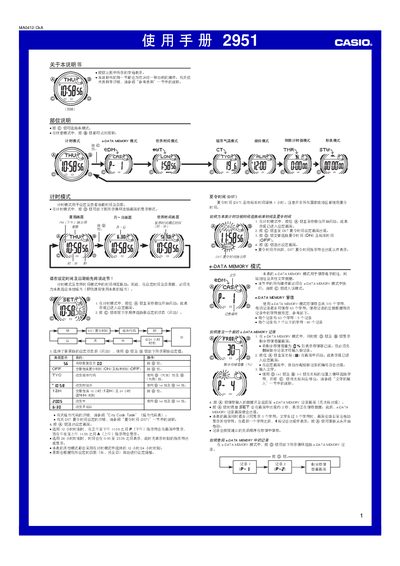
This manual provides step‑by‑step instructions for operating the Casio 2951 watch. It covers basic time‑setting, 12/24‑hour formats, daylight‑saving adjustments, and how to navigate between the timer, world‑time, city‑temperature, and e‑DATA MEMORY modes.
Additional sections describe the automatic display feature, lighting function, character entry, and city code tables, helping users fully utilize the watch’s advanced features. This manual is written in Chinese.
| e‑DATA MEMORY total capacity | 315 characters |
|---|---|
| Maximum characters per record | 59 characters |
| Year setting range | 2000‑2039 |
In Timer mode, hold the @ button until the seconds digits flash, then use the @ button to select and change the desired fields.
The e‑DATA MEMORY mode can hold up to 315 characters in total, with each record limited to 59 characters.